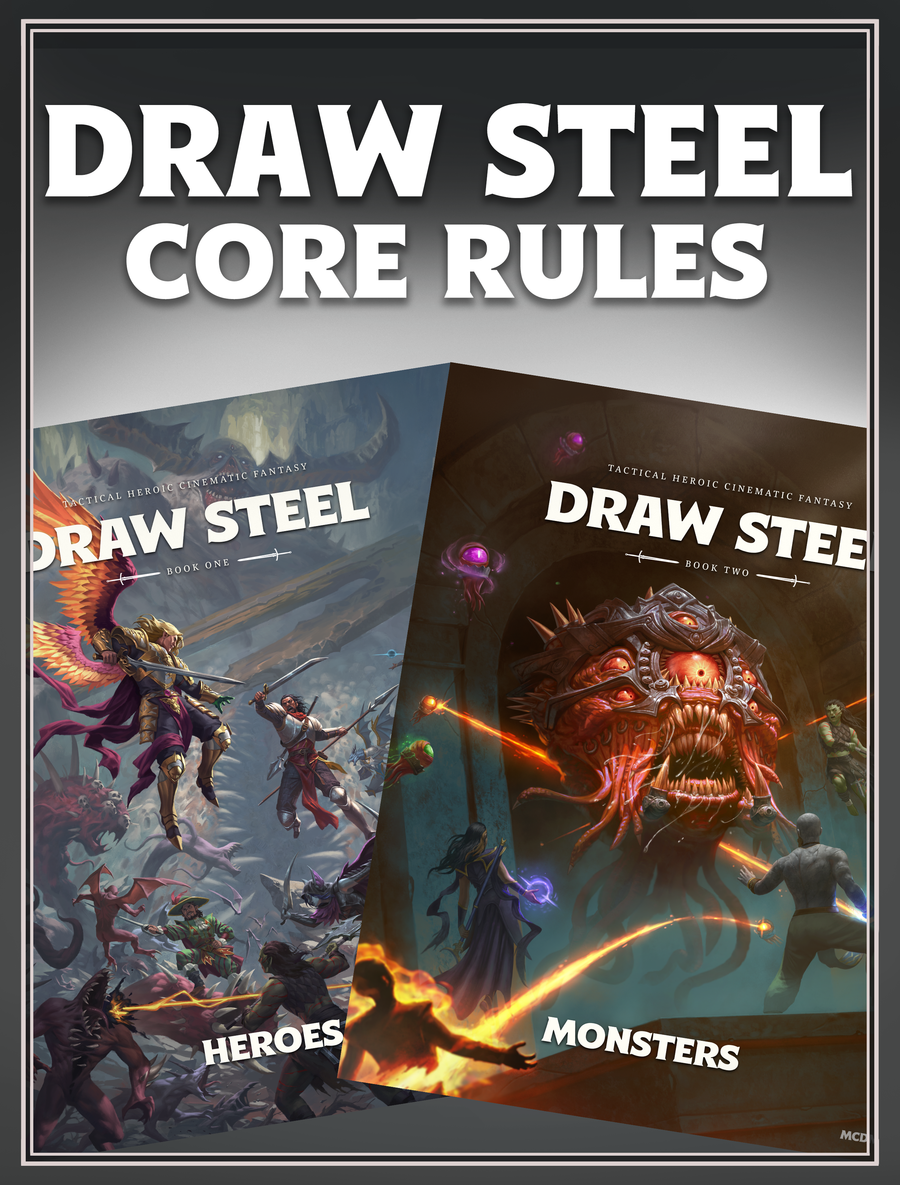
Draw Steel Rules Hub
Use the Draw Steel rules hub for Power Rolls, actions, movement, triggered actions, hero tokens, surges, conditions, and saving-throw timing.
Which Draw Steel rules should a new player learn first?
Start with Power Rolls and action types, then learn movement, triggered actions, surges, hero tokens, conditions, and saving throws. Class features can change a general rule, so keep the exact ability text nearby.
How should I resolve a rules interaction?
Identify the exact actions and effects, confirm timing and targets, apply the most specific feature text, resolve each line in order, then handle triggers and end-of-turn cleanup.
Power Rolls and Ability Reading
Most table questions become smaller when every player reads the same fields in the same sequence. Do not jump directly from an ability name to its damage line.
| Read | Question to Answer |
|---|---|
| Action type or trigger | When can the ability be used, and what part of the turn does it use? |
| Distance and target | Which creatures or objects are legal, and is line of effect available? |
| Power Roll | Which characteristic and modifiers determine the tier? |
| Tier result | What damage, potency, movement, or condition is resolved? |
| Additional text | Does the ability add a cost, duration, special rule, or surge option? |
Core Rules by Situation
Open the rule that matches the decision currently blocking play.
Power Rolls
Resolve the 2d10 tier and apply edge, bane, and the listed result.
Actions
Separate main actions, maneuvers, movement, free actions, and triggers.
Movement
Check advance, shift, disengage, forced movement, and teleportation.
Triggered Actions
Resolve off-turn timing and printed triggers cleanly.
Conditions
Apply restrictions and record how each condition ends.
Saving Throws
Handle save-ends effects during end-of-turn cleanup.
General Rules and Specific Features
A class feature, ancestry trait, kit, perk, condition, or ability can add to or replace a general procedure. Read that specific text before making a ruling, and apply only the change it actually states.
When two events appear to happen together, name both and determine which one creates the other's trigger. Finish the first event before resolving the response unless the current rule explicitly interrupts it.
- Write down the two rules that appear to conflict.
- Separate requirements from results.
- Use the specific feature only within its stated scope.
- Record a temporary ruling and verify it after the session if the source is unclear.
Verified Sources
Open the source that matches the topic, then check its publication or update date before resolving a rule at the table.